Infrastructure
Load Balancers
Distribute incoming network traffic across multiple servers.
Load Balancers are essential for scaling your applications, increasing availability, and ensuring reliability. They automatically distribute incoming traffic across a pool of backend Virtual Machines or Containers.
Why Use a Load Balancer?
- High Availability: If one of your servers goes down, the load balancer automatically reroutes traffic to the healthy instances, ensuring your application stays online.
- Scalability: Handle traffic spikes by easily adding more backend servers to the pool without changing your public IP address.
- Performance: Prevent any single server from becoming a bottleneck by distributing the workload evenly.
Creating a Load Balancer
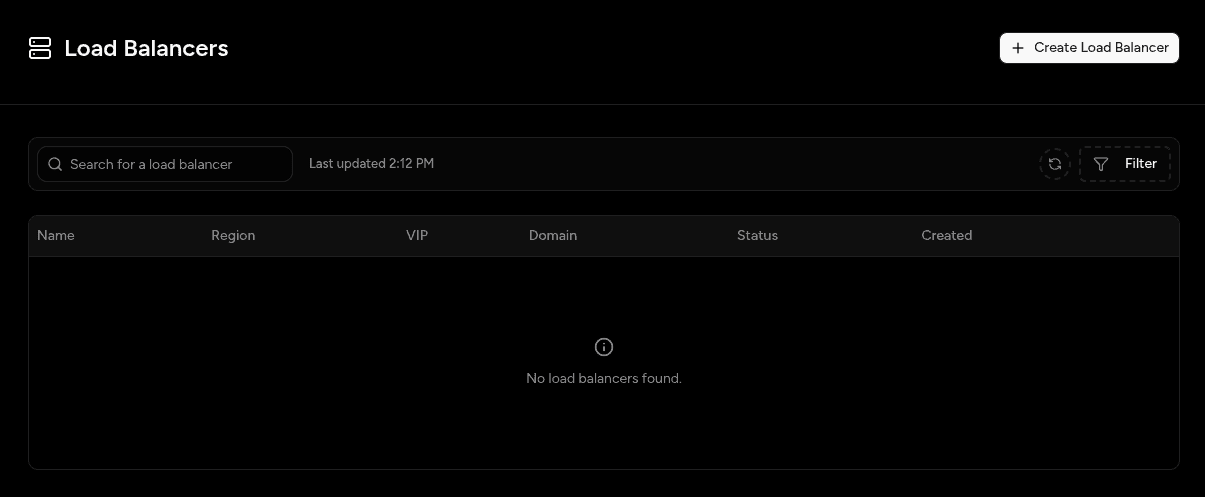
- Navigate to the Load Balancers section in the left sidebar.
- Click "Create Load Balancer".
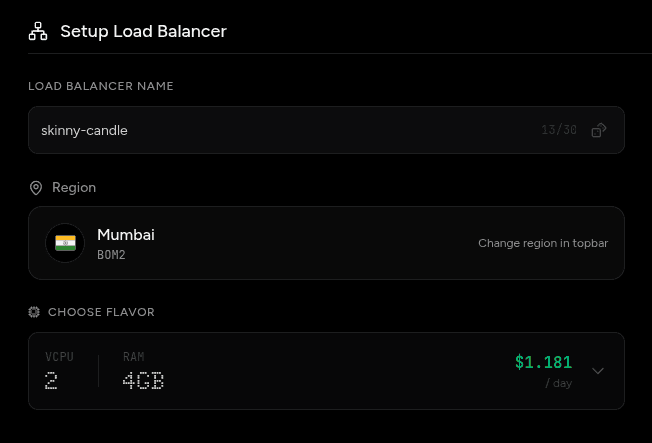
- Choose Flavor: Choose the flavor of the load balancer.
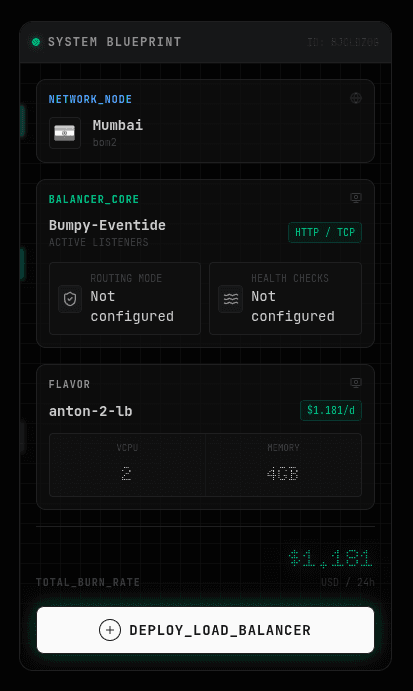
- Deploy: Once created, your Load Balancer will be assigned a public IP address.
Health Checks
To ensure traffic is only sent to healthy servers, the Load Balancer performs continuous health checks.
- You can configure the path (e.g.,
/health), protocol (HTTP/TCP), port, and frequency of these checks. - If an instance fails a health check consecutively, the Load Balancer stops routing traffic to it until it recovers.
SSL/TLS Termination
We recommend configuring SSL/TLS certificates on your Load Balancer to terminate encrypted connections, reducing the compute load on your backend instances and simplifying certificate management.